

For providers & clinics
From application to first shipment.
How a clinic opens an account with Logos RX, step by step, and what to expect from us at each one.
Opening an account takes six steps. Once you are set up, most orders ship within 24–48 hours of the prescription.
Step 1 of 6: Apply
It starts with your practice
Complete the account set-up online: your practice, each provider’s credentials, a payment method, how you want orders shipped, and the Provider Agreement. Your account is created when you submit.
- Practice information
- Providers and credentialsAuto-filled from NPI registry
- Payment information
- Shipping preferences
- Provider Agreement
Account created
You do
Tell us about your practice and its providers, and sign the Provider Agreement on screen.
We do
Fill in a provider’s details from the national NPI registry when you enter the number.
You get
An account, and a dashboard where you keep your details up to date.
Step 2 of 6: Verify
Our team reviews your credentials
Our team reviews your practice and provider information before pricing or prescribing opens. Until then your dashboard shows the account as pending verification.
What our team reviews
- Your practice information
- Each provider’s NPI and state medical license
- A DEA number, if you prescribe controlled substances
Questions while you wait? Call 855-564-6779
You do
Nothing new. If something changes, update your details from the dashboard.
We do
Verify the practice and each provider’s credentials.
You get
An email when your account is approved.
Step 3 of 6: Approve
Approval opens your catalog
Once your clinic is verified, the complete catalog opens with your clinic’s pricing. If you expect volume, you can request custom pricing from the same screen.
 SemaglutideVerified clinics onlyYour clinic price
 TirzepatideVerified clinics onlyYour clinic price
 SermorelinVerified clinics onlyYour clinic price
Request custom pricing
You do
Open the approval email and sign in.
We do
Show your clinic’s price for every product in the catalog.
You get
The complete catalog, product information and pricing.
Step 4 of 6: Connect
One portal for every prescription
Logos RX processes prescriptions through the LifeFile provider portal, a HIPAA-compliant system designed for compounding pharmacies. Our team sets you up in it once your account is active.
You do
Sign in to the LifeFile provider portal.
We do
Set you up in the LifeFile portal.
You get
Secure prescription processing, with full traceability.
Step 5 of 6: Prescribe
You prescribe, we compound
Each preparation is compounded against an individual prescription, to your specification, in our sterile and non-sterile labs in Tampa, Florida.

You do
Submit the prescription through LifeFile.
We do
Compound it under USP <795>, <797> and <800>.
You get
A patient-specific preparation, with its lot number on record.
Step 6 of 6: Ship
To your patient, or to your practice
You choose where orders go: direct to the patient, or to your practice for in-office use. Most orders are compounded and shipped within 24–48 hours of receiving the prescription.
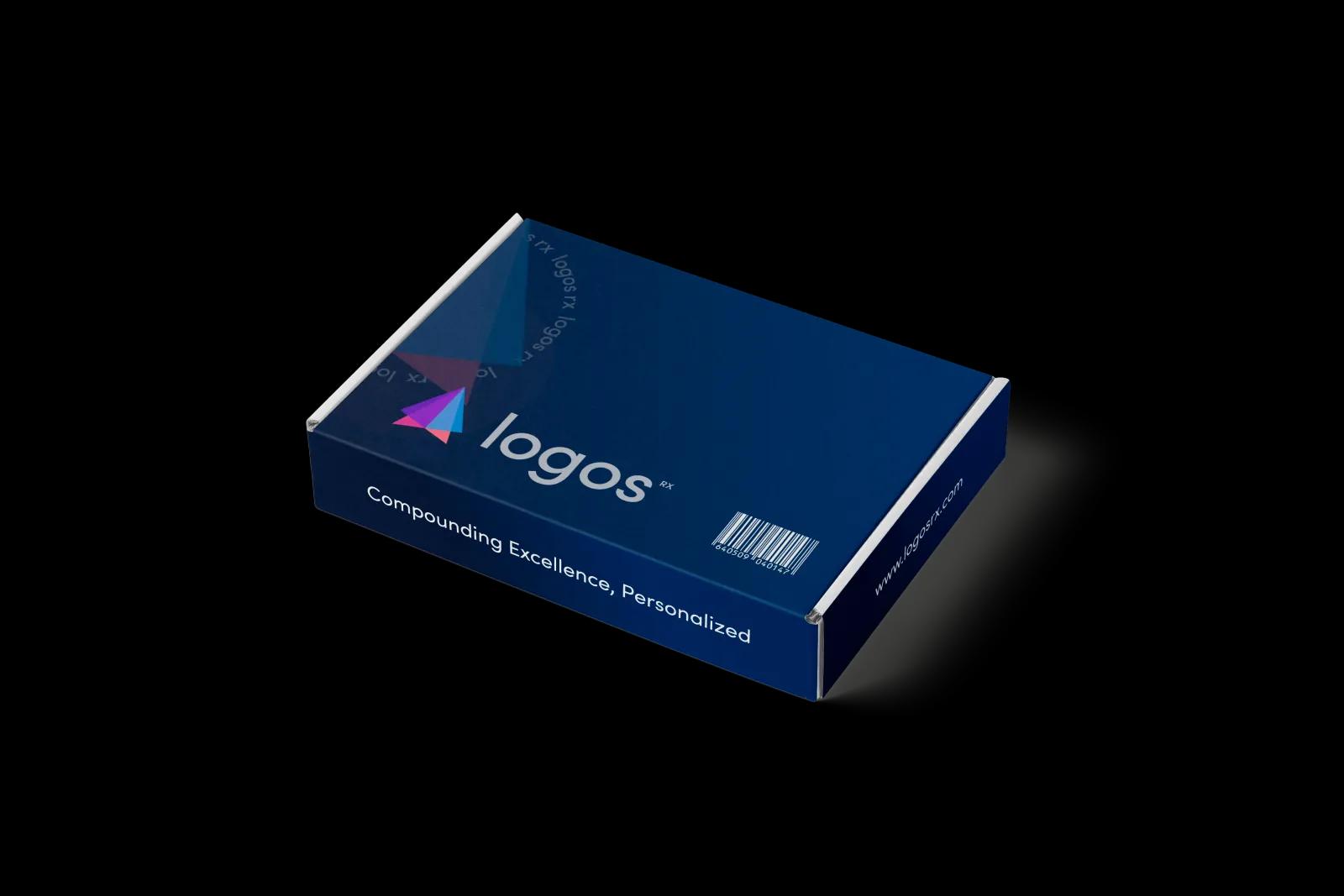
Most orders ship within 24–48 hours
You do
Choose direct to patient or ship to practice, and whether delivery needs a signature.
We do
Ship by FedEx or UPS, overnight when a prescription is marked rush.
You get
The medication at the patient’s door, or at your office.
Along the way
What stays true at every step.
One prescription, one patient
Logos RX is a 503A pharmacy: we compound each preparation against an individual prescription.
503A vs. 503BStandards you can check
NABP accredited and LegitScript certified, compounding under USP <795>, <797> and <800>.
About Logos RXA team you can reach
Call 855-564-6779 or write to support@logosrx.com. Online hours are Mon-Sat 8:00am - 7:00pm EST; chat is open 24/7.
Support center
Get started
Ready to open your clinic account?
Create a provider account and our team will guide you through setup.
Already a provider? Sign in to LifeFile (opens in a new tab)